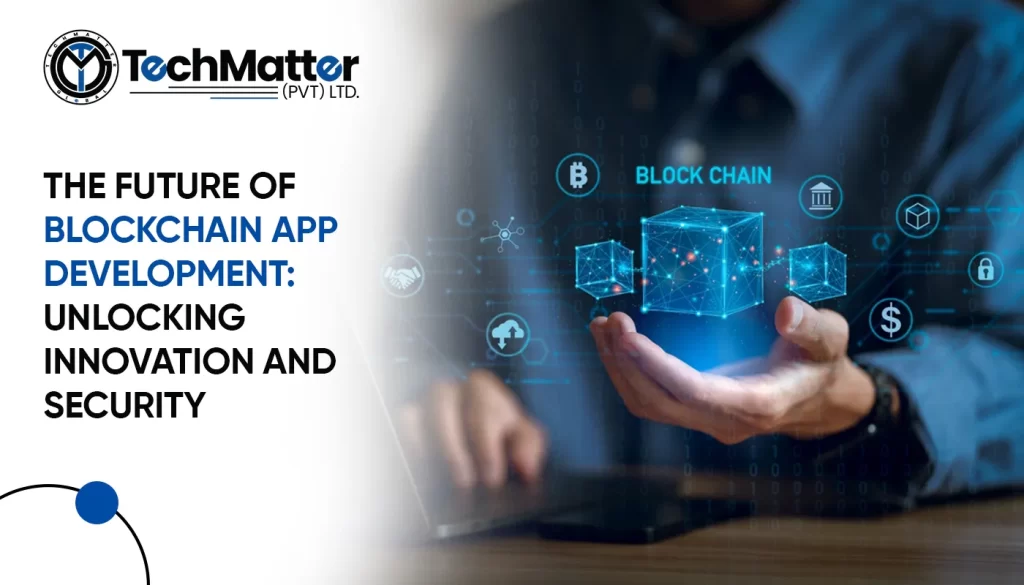
A blockchain is a system that records information, which makes it nearly impossible to hack, modify, cheat, or change technology. It is replicated once and then distributed to all computers on the network. Every block consists of several transactions. Each participant’s ledger is updated with each transaction on the blockchain. Distributed Ledger Technology, or DLT, is a participant-managed and distributed database.


Blockchain revolutionizes transactions by enabling real-time, intermediary-free exchanges for businesses and individuals through a digital ledger system. Transactions made in Cryptocurrency are completely secure and recorded. Robust computer programming ensures that the validity established in the blockchain will not change in real life.

Table of Contents:
Future of Blockchain in Mobile App Development:
    1. Strict Security:
    2. Unparalleled Transparency:
    3. Enhanced information security:
    4. Incremental Efficiency:
    5. Digital Identification:
    6. More secure mobile payments:
    7. Improve product traceability:
    8. Organize data:
    9. Advertising model:
    10. Reliability and speed:
    Conclusion:

    Future of Blockchain in Mobile App Development:

    Strict Security:

    The top benefit of blockchain app development is increased security. Business databases, especially those in the financial services and insurance industries, are prone to attacks by hackers and scammers. In a blockchain network, authenticated members can view all transactions before being entered into the distributed ledger because the information is stored on a chain of computer systems rather than a single server, so data cannot be changed from a single point.

    Unparalleled Transparency:

    A blockchain is a decentralized distributed ledger in which network participants can access the same data from all nodes. Data can only be updated or set up for further distribution after achieving consensus. Changing a single record on the same track requires changing all subsequent records. It is a hallmark of an unchanging history that traditionally opaque organizations like financial services and insurance welcome blockchain development as the next big thing.

    Enhanced information security:

    Blockchain is famous for its impenetrable secrecy. Developers are permitted to apply an external layer to their data and allocate personal keys to users. It is virtually impossible for anyone without a decrypted vital to change a user’s activity-specific data on and off the network.

    Also, because blockchain is a decentralized system, it maintains replicas of information across computer systems, minimizing the risk of data leakage. Blockchain presents a fantastic opportunity for mobile application developers to protect customer data from counterfeiting and unauthorized activity in a world where hackers are plentiful and sensitive information is challenging to protect.

    Incremental Efficiency:

    Blockchain avoids the need for intermediaries in the payment process, which has traditionally been complicated. Seamless transactions can enhance the effectiveness of payments in areas that lack reliable financial services. Similarly, asset management workflows and contracts in the banking and insurance sectors can be rendered more efficiently with a centralized system of recording ownership.

    Digital Identification:

    Insurance companies, banks, and other enterprises engage professional Android app development companies to create digital identity management apps. This identity control is essential as government agencies, banks, academic institutions, and other organizations rely on individuals’ digital identities created using blockchain nodes. Every transaction on a blockchain has distinct features and is reliable, which simplifies the process of recording personally identifiable information on a public blockchain, whether publicly or privately.

    More secure mobile payments:

    Blockchain for mobile apps offers faster, safer, and more efficient contactless banking due to its sophisticated and decentralized peer-to-peer infrastructure. Many programmers already leverage the potential of peer-to-peer contactless banking in their programs, making them safer and cheaper to create and manage.

    Moreover, the availability of hundreds of millions of devices or “nodes” prevents outages because it is improbable that all endpoints will fail at the same time. Furthermore, since blockchain is a distributed system, it preserves duplicates of data across computer networks. Most importantly, with improved security, users can utilize the mobile website with greater confidence.

    Improve product traceability:

    iOS app developers at Techmatters can utilize blockchain for mobile apps to record all data traceable by consumers in real time. The entire blockchain technology is structured to identify and correct any flaws quickly. This helps developers verify asset validity and prevents fraudulent transaction formation and distortion of genuine data.

    Organize data:

    Blockchain technology provides a comprehensive data organization solution that allows data to be stored and securely implemented on numerous chains. The custom blockchain architecture of Android development services enhances security against possible threats.

    Advertising model:

    Users get paid in-app currency for their time leveraging blockchain for mobile app platforms that improve their advertising business. This cost-per-interest technique eliminates the need for brokers or agents to share in sales revenue in the first place.

    Reliability and speed:

    One of the great features of distributed ledger technology is that it does not require a third-party intermediary to conduct transactions. It simplifies and streamlines the entire process, facilitating faster and more convenient transaction refunds. Several sources say blockchain-based operations are ten times faster than traditional bank exchanges.

    Conclusion:

    Here are some examples of how blockchain for mobile apps will impact development. In summary, this groundbreaking innovation helps developers create highly secure and accessible mobile apps and makes a world of tremendous possibilities for programmers and end users alike.

    FAQs

    1. What is blockchain app development?

    Using blockchain innovation is fundamental for making blockchain applications. This innovation gives decentralized, secure, and straightforward administration of exchanges and information, and it is valuable for different areas, for example, finance, inventory network executives, and advanced character.

    1. How does blockchain enhance security in app development?

    The decentralized nature and encryption of blockchain upgrade security, making it very challenging to adjust information. Brilliant agreements robotize and implement arrangements, bringing down the gamble of extortion.

    1. What are the benefits of using blockchain for supply chain management?

    Blockchain technology enhances visibility, traceability, and effectiveness in managing supply chains. It enables instant monitoring of products and verification of authenticity and minimizes instances of fraud and mistakes.

    1. How can businesses prepare for the future of blockchain app development?

    To prepare for the future of blockchain application advancement, organizations need to stay updated about impending patterns and innovations, allocate resources for blockchain education and skill, and undertake aircraft tester undertakings to appreciate the innovation’s likely benefits.

    1. What is the difference between a Blockchain developer and an app developer?

    A Blockchain designer’s essential duty is creating and applying blockchain conventions, smart agreements, and decentralized applications using programming dialects like Robustness. Conversely, an application designer centers around building mobile or web applications using dialects like Java, Quick, or JavaScript. Their aptitude and advancements are intended for their specific improvement conditions.

    Imagine scrolling through your internet tabs, looking for a specific site. Among all those tabs, one catches your eye because it has a small, unique symbol next to the title.

    It’s called a favicon, and it’s a big deal for your website!

    In this guide, we’ll walk you through the easy steps to upload a favicon to your website. We’ll keep it simple, no complicated jargon here!

    So, let’s get started on making your website stand out with its own special little icon!

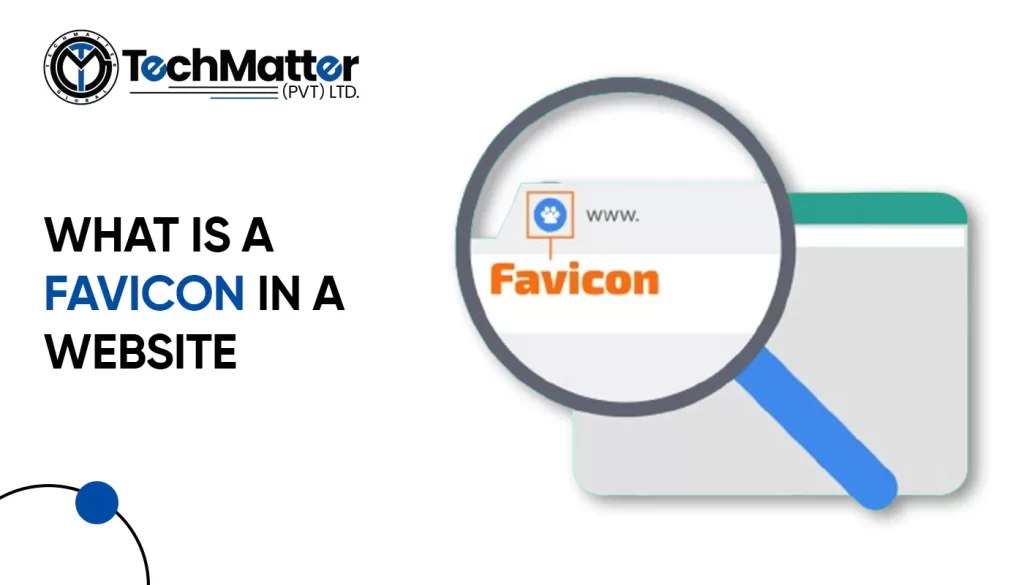
    What is Favicon?

    Your website may become a fantastic piece of art with a few simple steps. A browser icon, or favicon, must be understood first. Well, my dear readers, “favicon” is short for “favorite icon,” also commonly known as a browser icon.

    It’s also frequently known as a bookmark, shortcut, or website icon. It acts as a visual representation of a website’s central idea, making it instantly recognized and ingrained in the brains of its visitors.

    Does my website need a favicon?

    Certainly! Adding a favicon to your website is a great idea! It might seem like a small detail, but it can make a big difference. Think of it as putting the cherry on top of your website sundae. With a favicon, your site looks more polished and professional.

    It’s like giving your website its own special logo. Plus, it helps people recognize your site more easily when they have lots of tabs open in their web browser. So, if you want to make your website stand out and leave a good impression on visitors, adding a favicon is definitely worth considering!

    How to create a favicon for your website?

    Let’s get started on making an eye-catching and remarkable Favicon for your website with the help of the following steps.

    A simple guide to adding a favicon to your website

    How to add upload favicon in an HTML website?

    <link rel="icon" type="image/x-icon" href="favicon.ico">

    <link rel="icon" type="image/x-icon" href="images/favicon.ico">

    Manual Upload via FTP (advanced)

    This method requires some technical knowledge and using an FTP client to access your website files. It’s not recommended for beginners, but here’s the basic process:

    <link rel="shortcut icon" href="/favicon.ico" type="image/x-icon">

    How to add upload favicon in a WordPress website?

    This is the simplest and most recommended method for most users. Here’s how to do it:

    How to add upload favicon in a Squarespace website?

    1. Log in to your Squarespace account.
    2. Navigate to the Design panel. You can find it in the left-hand menu in Squarespace 7.0 and newer versions, or under “Settings” in Squarespace 7.1.
    3. Scroll down to the “Browser Icon” section. This might be labelled as “Favicon” in older versions.
    4. Upload your favicon image. You have two options:
      • Drag and drop the image directly into the upload box.
      • Click the “Upload” button and select your image file from your computer.
    5. Click “Save.”

    How to add upload favicon in a Shopify website?

    1. Go to your Shopify Admin Panel: Log in to your Shopify account and access the admin panel.
    2. Navigate to Themes: Click on “Online Store” in the left sidebar, then select “Themes”.
    3. Find your theme: Choose the theme you want to edit and click “Customize”.
    4. Access Theme Settings: In the theme editor, find the “Theme settings” tab and click on it.
    5. Locate the Favicon option: Depending on your theme, the favicon settings might be under different sections. Look for options like “Logo”, “Favicon”, or “Appearance”.
    6. Upload your favicon: Click on “Select image” or similar and choose your prepared favicon image from your computer.
    7. Save your changes: Click “Save” to update your theme with the new favicon.

    How to add upload favicon in a Webflow website?

    Test and verify

    The most effective and smooth browsing experience is essential. Check your site’s favicon on various browsers and mobile devices. The browser cache can be deleted if required.

    Kudos! Your website now has a personalized favicon that you designed and published. It will now be displayed in the browser tabs of site visitors, increasing brand awareness and familiarity among users.

    Major Do’s and Don’ts While Creating a Favicon for Your Website

    Let us understand the major do’s and don’ts for creating an appealing browser icon.

    Summary

    We have explored the fascinating world of browser icons and their enormous potential to make your website stand out in this thorough guide. You should know exactly what a browser icon is and how it may improve your online platform’s visibility and recognizability.

    Scroll Down