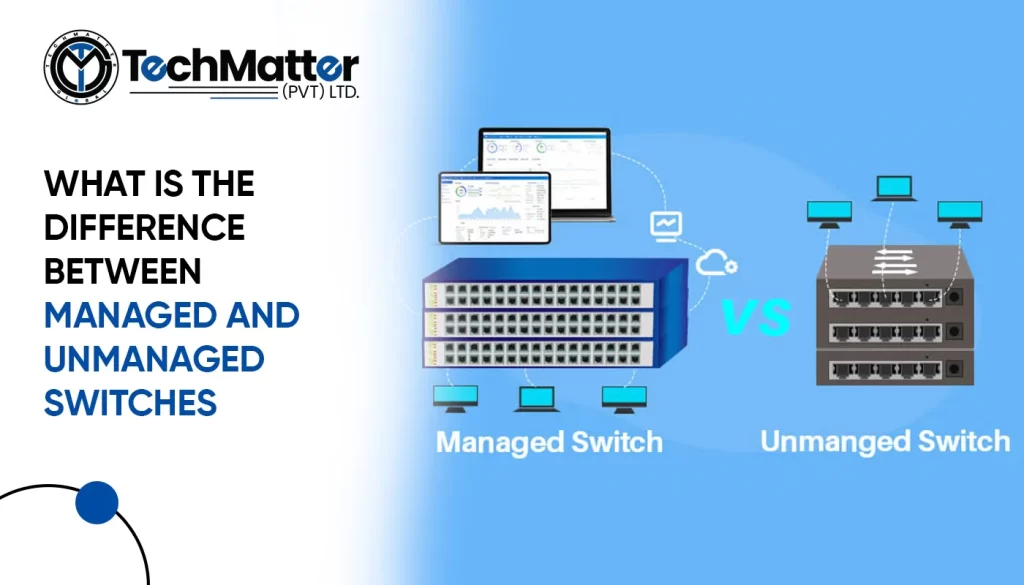
Managed and unmanaged switches are the two primary categories. Both link devices in a network, but their management, usefulness, and adaptation differ. In this article, we will compare managed and unmanaged switches so you may choose one based on your networking needs.
Unmanaged switches are the simplest form of switches available in the market. They are plug-and-play devices that require minimal configuration. Unmanaged switches operate at the data link layer of the OSI model and are primarily designed to forward data packets from one device to another without any intervention.
On the other hand, managed switches provide network administrators with greater control and flexibility. They offer advanced features and functionality beyond basic data forwarding. A web-based GUI or CLI may remotely configure and control managed switches. They help network managers improve performance, monitor traffic, secure networks, and prioritize data traffic.
Below are the differences between managed and unmanaged switches as per their functionalities.
As previously mentioned, unmanaged switches are preconfigured devices that do not require any manual setup. They are designed for small networks and home environments where simplicity is prioritized over customization. Unmanaged switches have fixed settings and cannot be modified or managed by network administrators.
Network administrators may customize managed switches’ behavior using various configuration choices. Administrators may configure VLANs, QoS settings, port mirroring, and other advanced features using the administration interface. This level of control enhances network performance, security, and troubleshooting capabilities.
Unmanaged switches provide limited visibility into network traffic. They need monitoring and troubleshooting capabilities, making identifying and resolving network issues easier. In case of network congestion or packet loss, unmanaged switches offer little insight into the root cause of the problem.
Managed switches enable comprehensive network monitoring and troubleshooting. SNMP and RMON can help network managers gather data on performance. This information allows administrators to rectify issues, optimize network resources, and assure effortless network operation.
Unmanaged switches are suitable for small networks with a limited number of devices. They lack the scalability required for more extensive networks and cannot quickly accommodate additional features or expand the network infrastructure.
Managed switches provide the flexibility and scalability needed for growing networks. They can handle a higher number of devices, support advanced features, and adapt to changing network demands. As the network grows, managed switches let administrators add or remove devices, add functionality, and change configurations.
Summary
In summary, managed and unmanaged switches differ significantly in functionality, control, and scalability. Unmanaged switches are ideal for small networks and residences due to their simplicity. Managed switches offer advanced configuration, network monitoring, and scalability, making them perfect for more extensive networks or companies that need more control and flexibility. Understanding these distinctions can help you make an educated selection.


IT Solutions and Managed Services Provider specializing in developing custom solutions.
 +1 (781) 667-5321
 info@techmatter.co
 100 N Brand Blvd Suite 522, Glendale, CA 91203, USA